Signing in
Use your email and password at Sign in. After a few wrong passwords, sign-in pauses briefly to keep your account safe.
Sign in with Discord
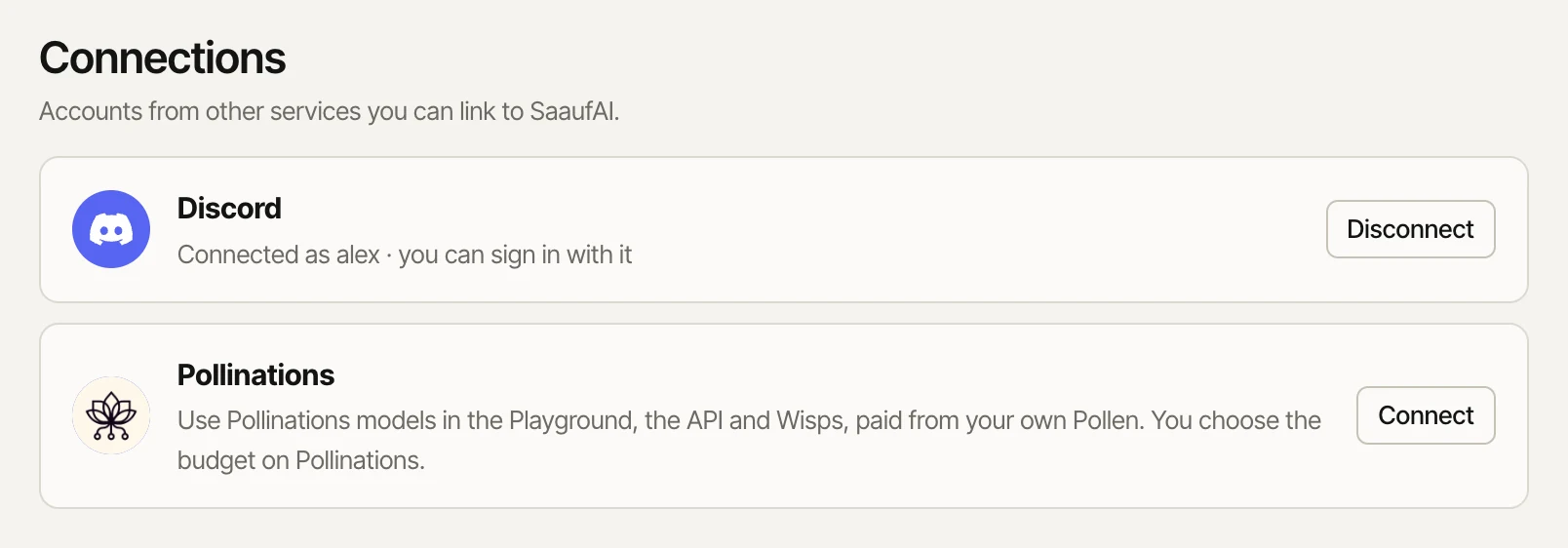
- Sign in with your password and open Settings → Connections.
- Press Connect next to Discord and approve on Discord.
- From now on, Continue with Discord on the sign-in page works too. Your Discord picture becomes your account avatar.
Discord only signs you in to an account it's already connected to. It never creates a new account.
Devices and password
Settings lists every signed-in device; sign any of them out from there. You can also change your name and password. If you don't visit for a while your Wisps take a nap; see Sleeping Wisps.
Disabled accounts
If we disable your account, signing in shows a page with the reason. Your API keys stop working and your Wisps pause, but nothing is deleted. From that page you can:
- Appeal: tell us why we should take another look. A person reads it and you get an email with the outcome. You can appeal up to 3 times, one at a time.
- Delete the account, with your password.
Deleting your account
Delete it under Settings. Everything in it goes at once. We keep only your email address for 30 days, and it can't be used for a new account until then.