Open a Wisp from Wisps to chat. Replies appear as they arrive; you don't need to refresh.
What a Wisp can do
- Remember facts you tell it, and look them up later. You can read and delete its memories.
- Schedule tasks and reminders, once or repeating.
- Search the web and read pages.
- Email from its own address, and read mail sent or forwarded to it.
- Use apps you've connected, like Cloudflare or your own MCP server.
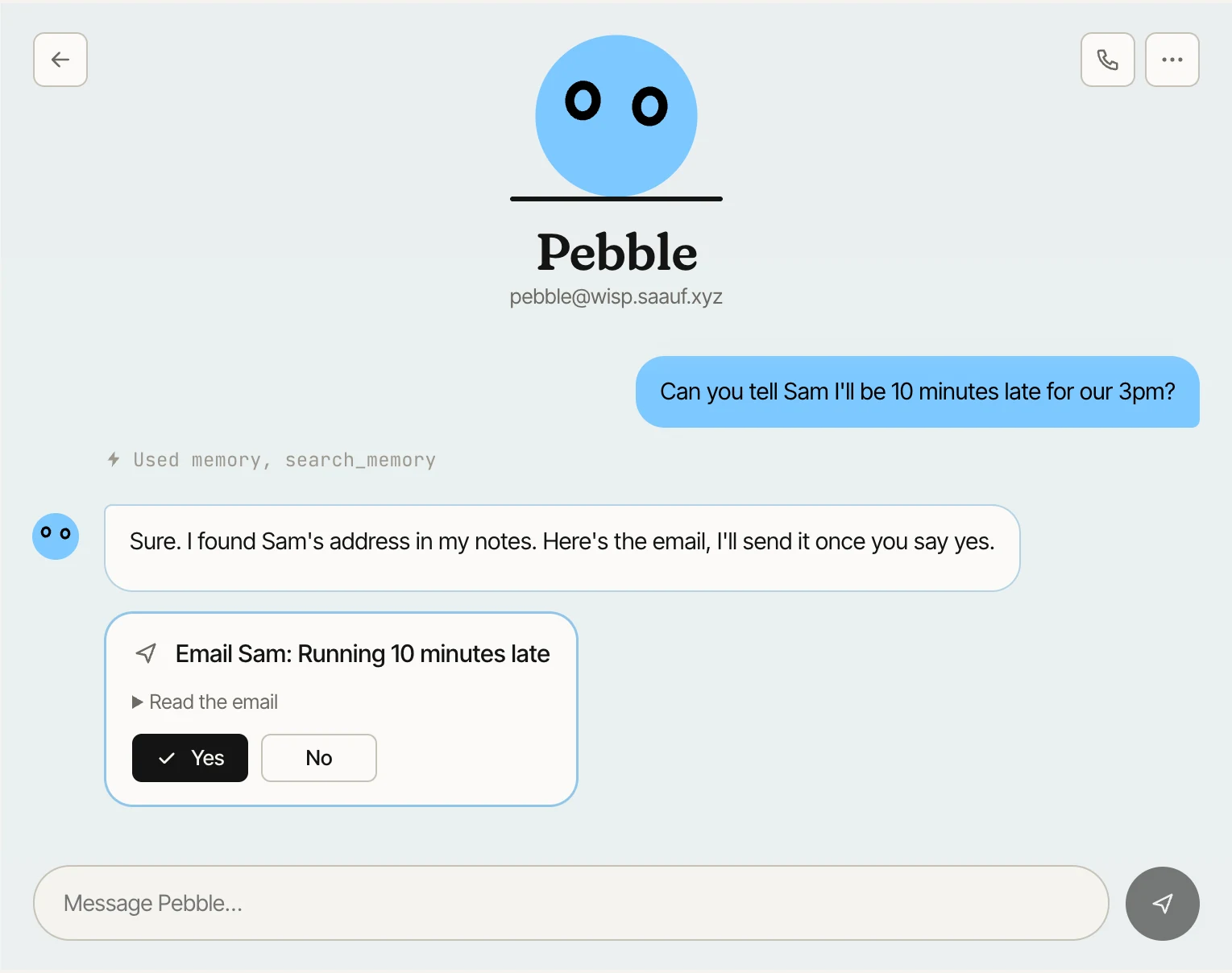
Grey lines in the chat, like “Used memory, search”, show which tools it used for a step.
Yes or No
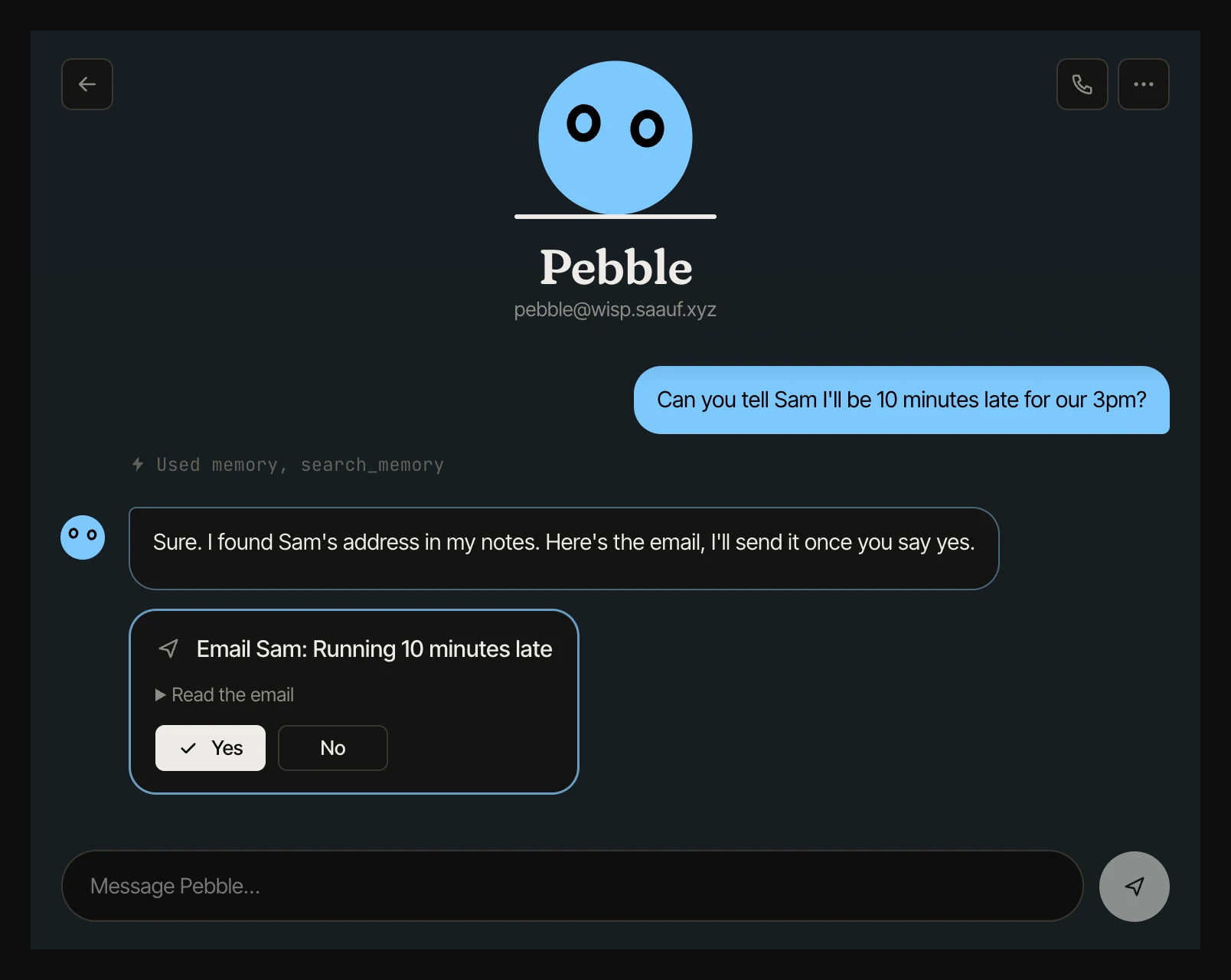
Before it sends an email or does something in an app that changes anything, it shows a card with the details and asks Yes or No. Open “Read the email” to check the exact text first. You can let it act without asking in its settings.
Reactions
Hover a reply and press the smiley to react with an emoji. Your Wisp notices what you like and leans that way.
The ••• menu
The menu in the chat header opens Activity & tasks, Inbox, Memory and Settings. The phone button next to it starts a voice call.