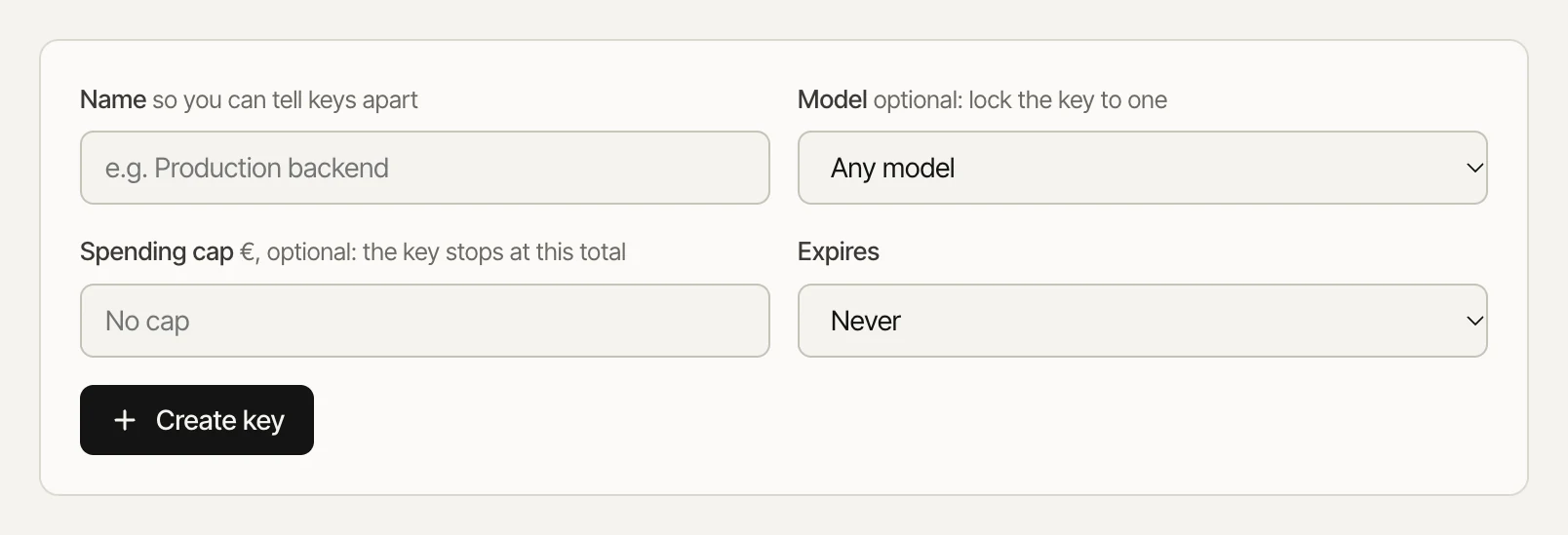
- Open API keys.
- Give the key a name, and optionally lock it to one model, give it a spending cap or an expiry date.
- Press Create key and copy it. It's shown once; SaaufAI only keeps a hash.
A spending cap stops the key on its own once it has spent that much.Keeping keys safe
- Use one key per app or environment so you can revoke one without breaking the rest.
- Never put a key in a website's front-end code or a public repository. Call the API from your server.
- Revoke a key from the same page the moment you think it leaked.