Open ••• → Settings in your Wisp's chat. Changes are saved with the bar at the bottom.
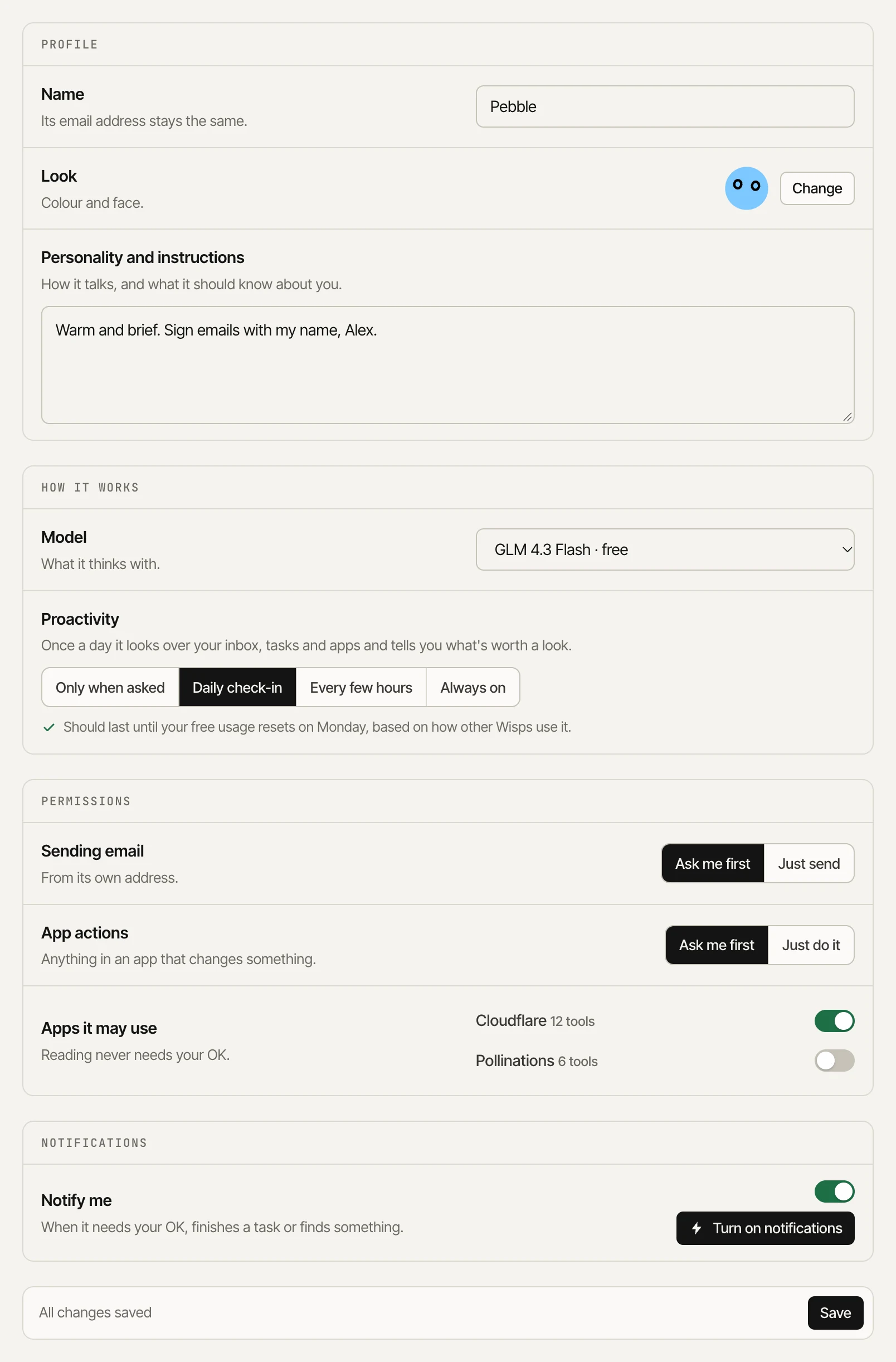
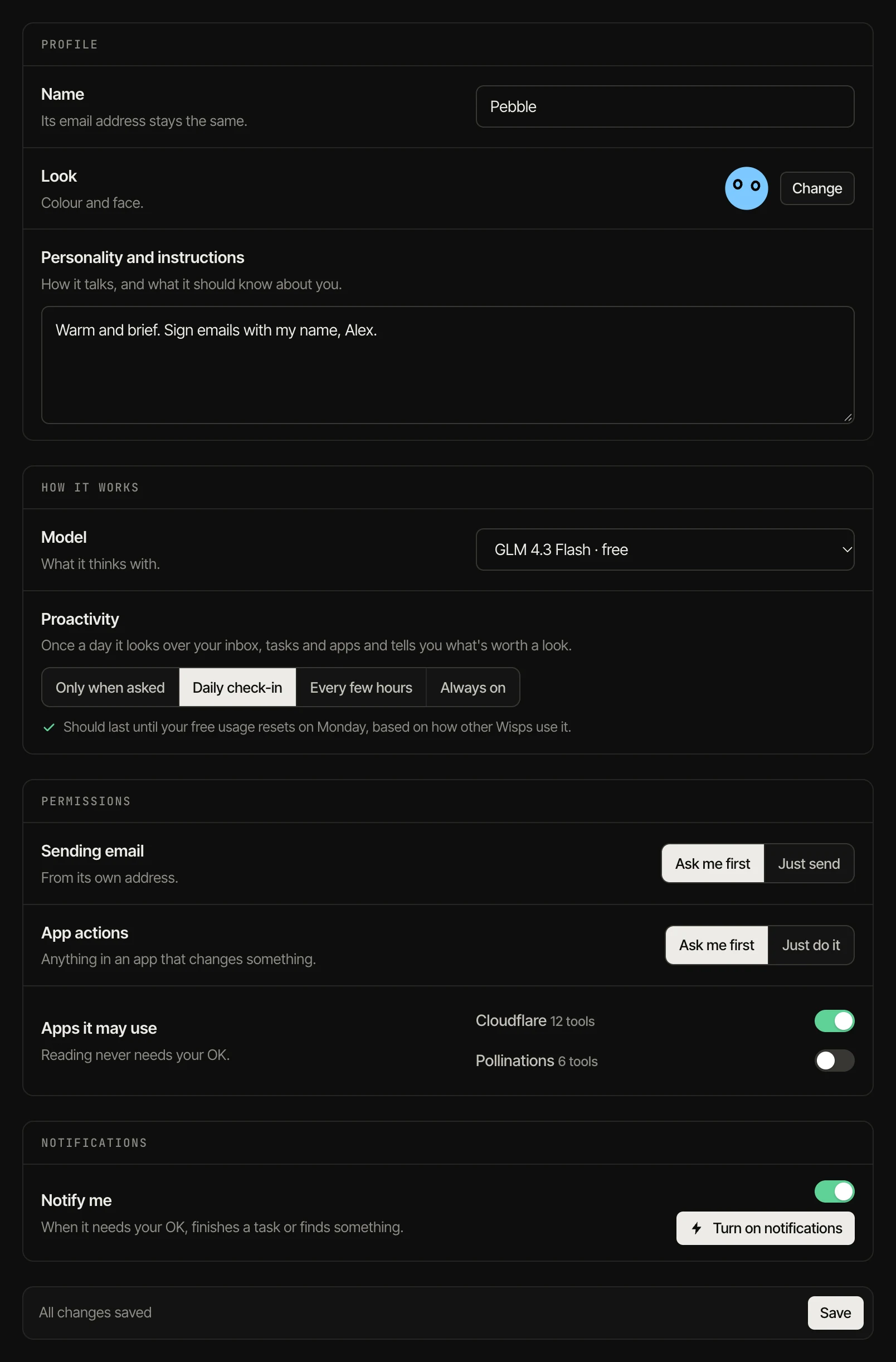
- Profile: name, look, and personality and instructions.
- How it works: the model it thinks with (the free model, a paid one from your credit, or a Pollinations model from your Pollen) and its proactivity.
- Permissions: whether sending email and app actions need your OK (“Ask me first”) or not, and which apps it may use. Reading never needs your OK.
- Notifications: push notifications on this device when it needs you, finishes a task or finds something.
Danger zone
Pause stops tasks and email handling until you resume (sending a message wakes it too). Reset clears the conversation, memories, tasks and activity. Delete removes the Wisp and its email address for good.