Apps are MCP servers: tools, data and services your Wisps can use. Find them in Apps.
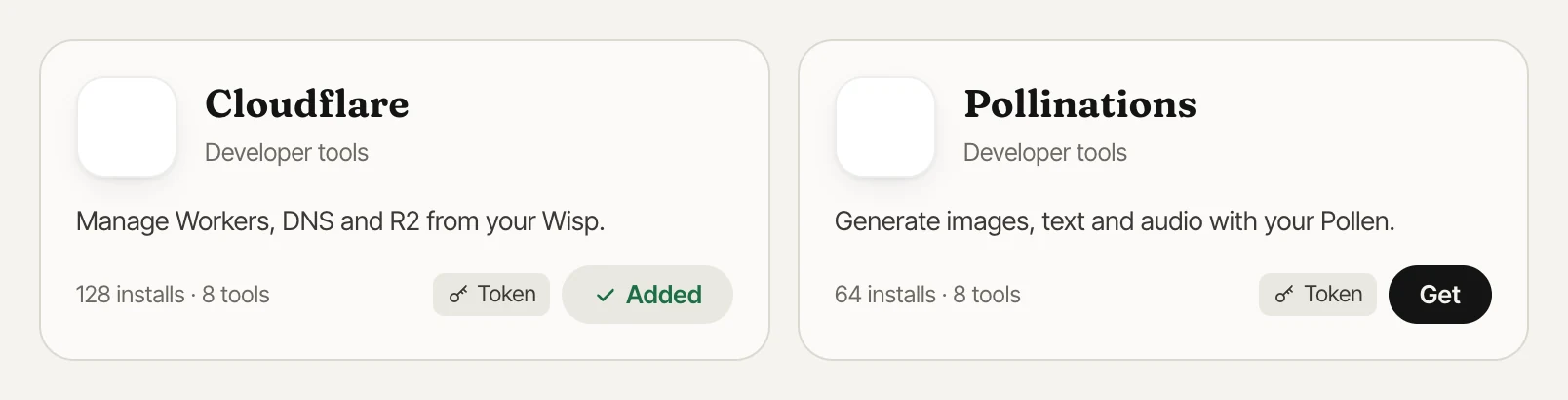
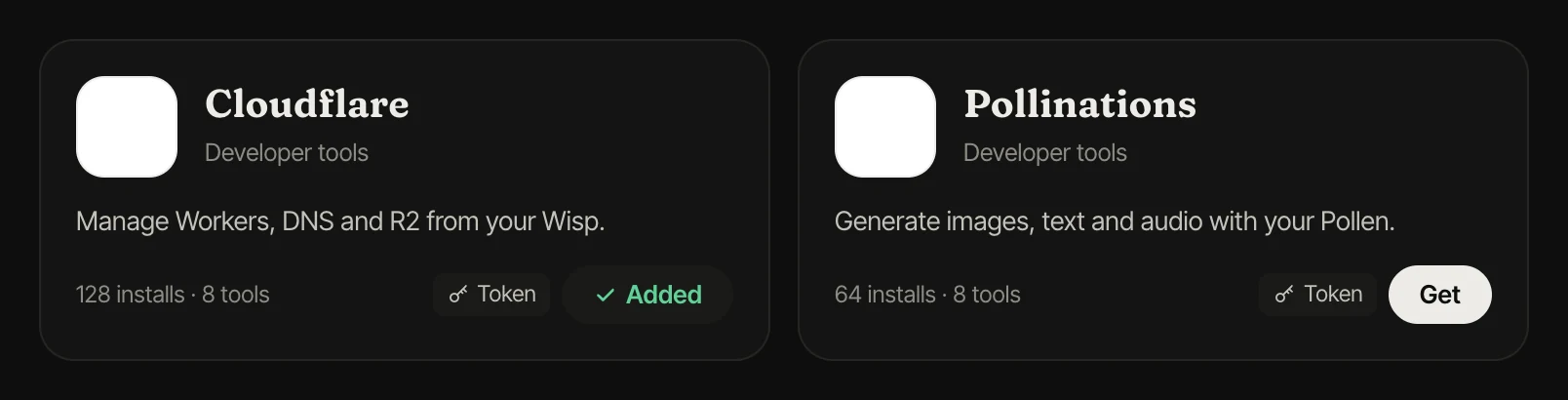
Add an app
- Open an app and press Get. If it needs a token, paste yours (it stays private to your account).
- Turn the app on for a Wisp in its settings under “Apps it may use”.
- Ask your Wisp to use it. Actions that change something ask for your Yes first.
Connect your own server
Press Connect your own MCP server, enter its https:// address and an access token if it needs one. Private and local network addresses aren't allowed. Mark it public to share it: once reviewed, others can add it with their own token. Yours is never shared.