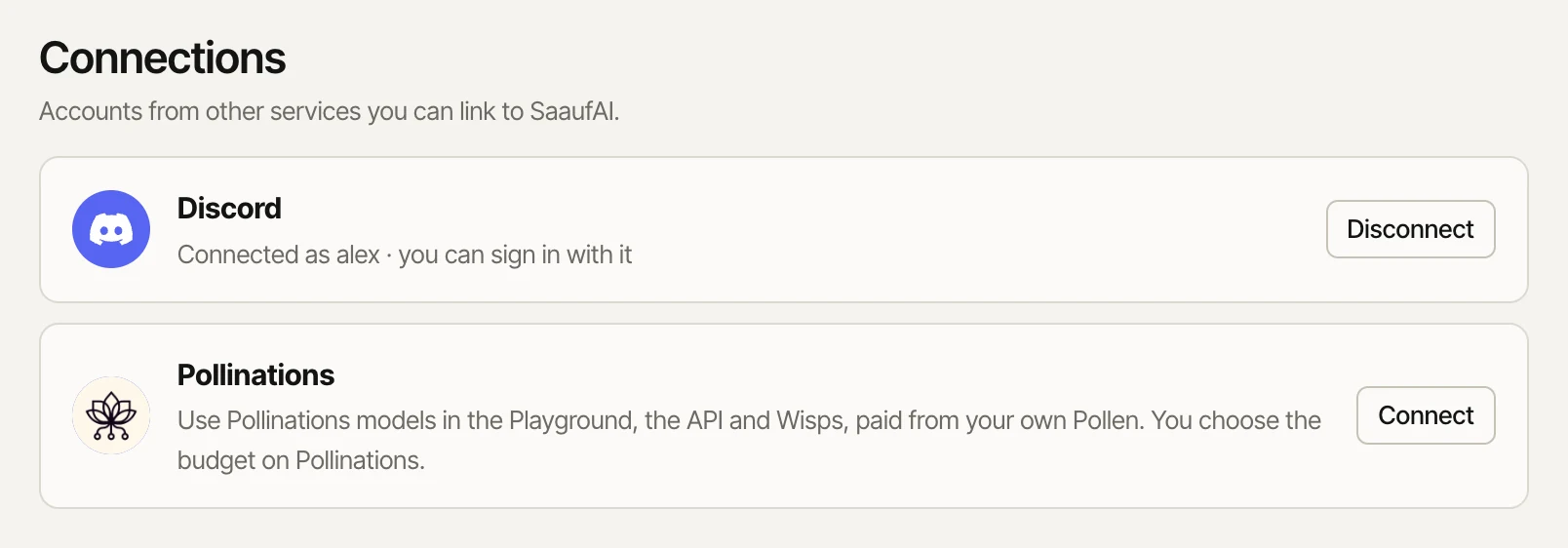
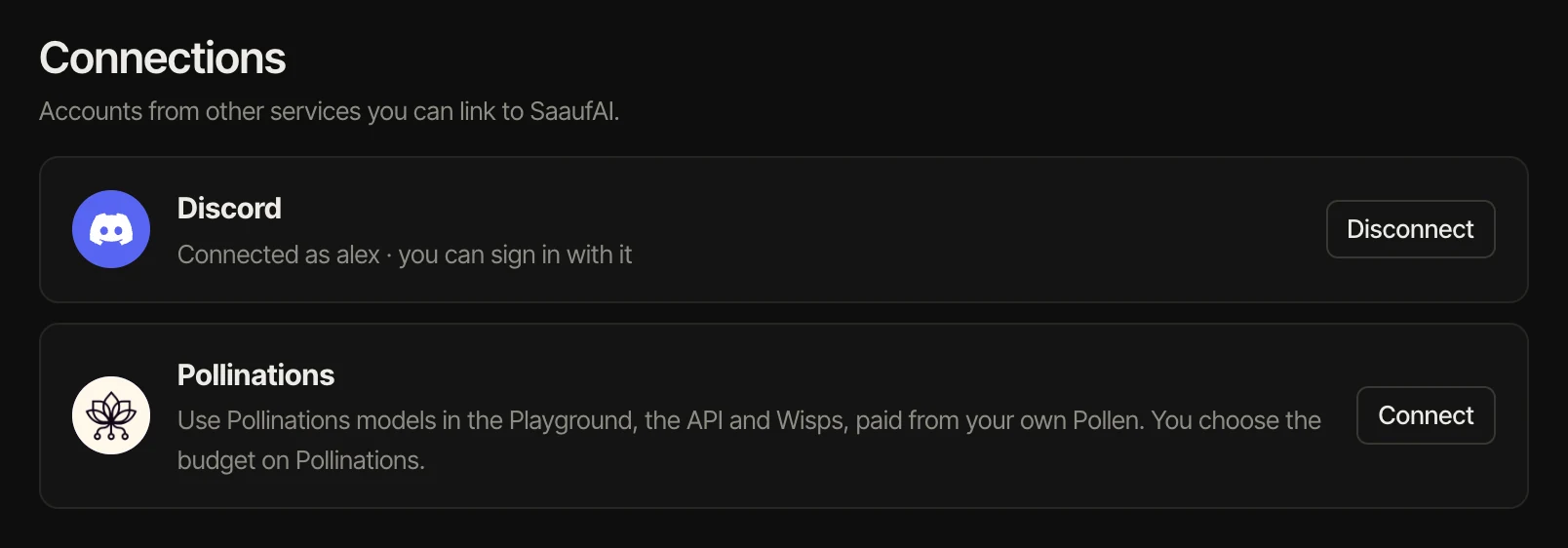
Connections live in Settings → Connections.
Discord
Connect once, then use Continue with Discord to sign in. Your Discord picture becomes your avatar. Disconnect any time; your password keeps working.
Pollinations
- Press Connect next to Pollinations and sign in there.
- Choose how much Pollen SaaufAI may spend, and approve.
- Pollinations models now appear in the Playground, in Wisp settings and on the API with ids starting
pollinations/.
Those requests are paid from your Pollen, never from SaaufAI credit. The connection lasts 30 days; reconnect when it expires. Your remaining Pollen shows in the account sidebar.