Free allowance
Every account gets a free allowance of GLM 4.5 Flash, usable by your Wisps and in the Playground. It's a rolling window over the last 7 days, not a weekly reset: whatever you used stops counting 7 days later, so your allowance frees up gradually. Usage shows roughly how much is left: plenty, some, running low or used up. Requests on the free allowance don't list token counts.
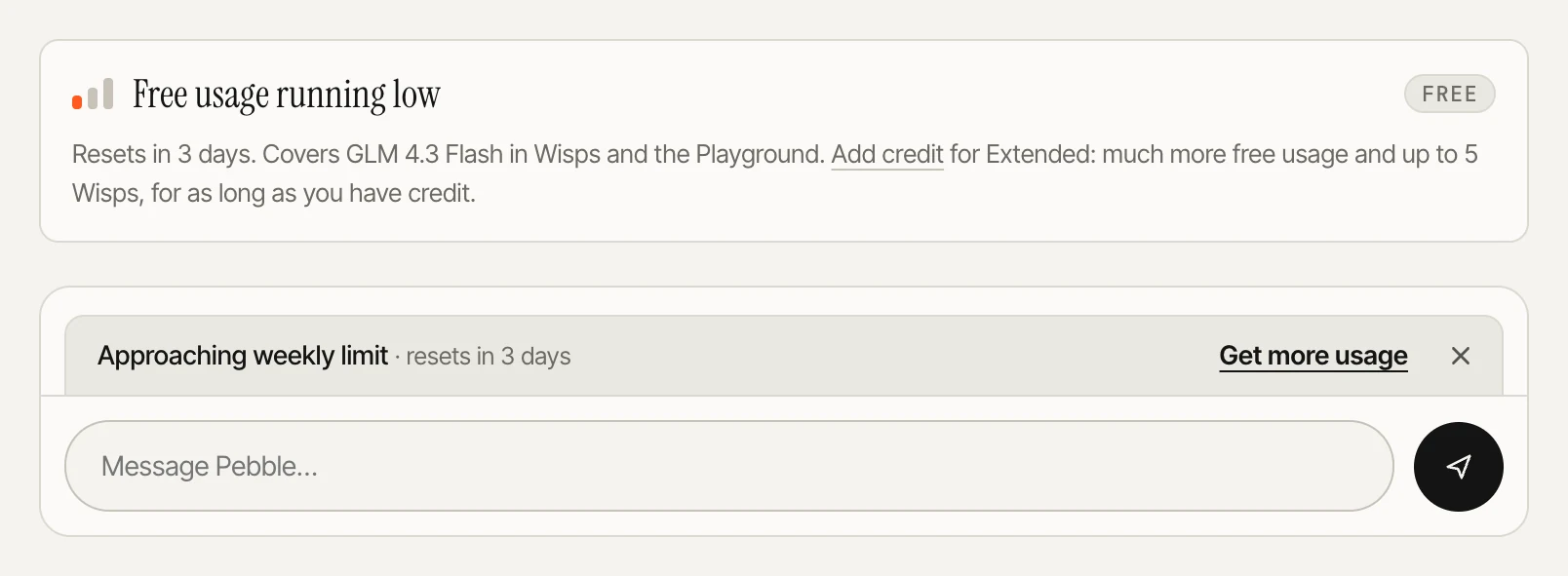
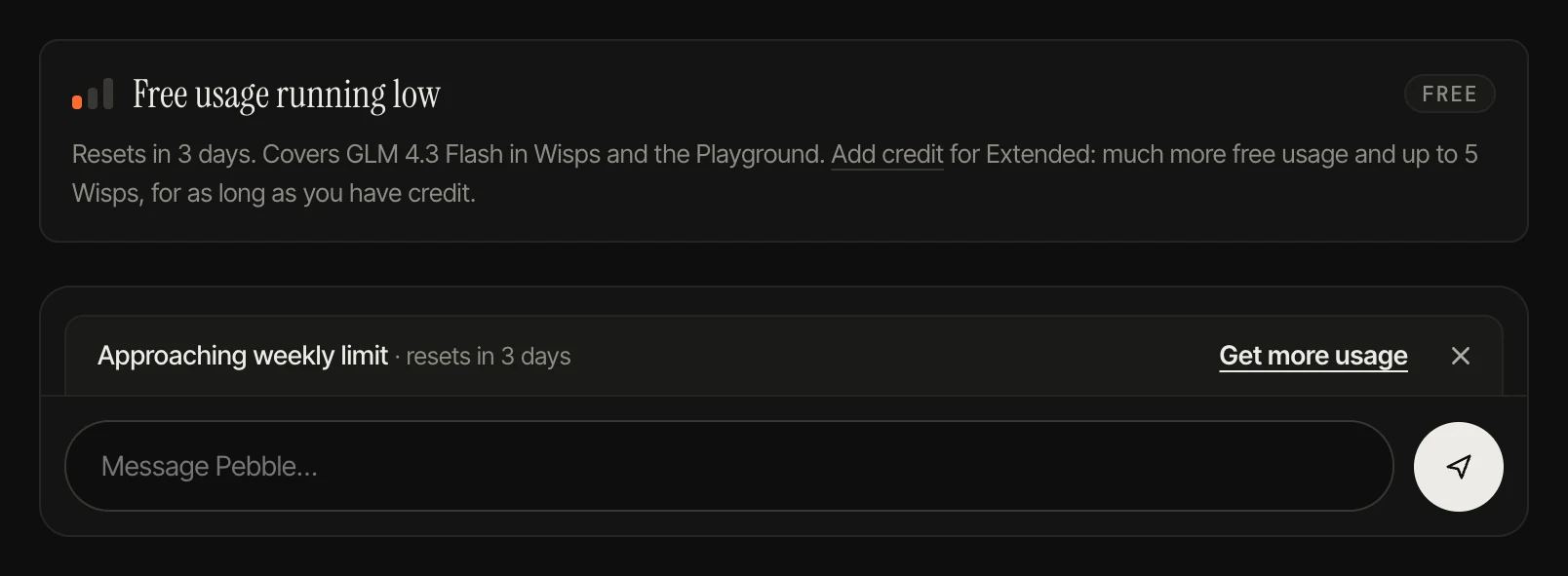
When it runs low, an Approaching your free usage limit bar appears above the chat box in Wisp chats and the Playground, saying when it eases, with a link to get more usage. Close it with ×; it stays closed for the day, or until the allowance is used up.
Usage resets
Sometimes we give accounts usage resets. A reset clears the free usage counted over the last 7 days, so your free allowance is full again straight away. You can hold several, and each one can be used for 30 days from when you got it. We email you when you get new ones.
- Open Usage. Your resets show under the free usage meter, with when the next one expires.
- Press Use a reset, then Reset free usage to confirm. The reset that expires soonest is used first.
The button only works once your free usage has started to run down, so a reset isn't wasted while you still have plenty. When the limit bar appears and you have a reset, its link reads Use a reset.
Extended
While your balance is €1.00 or more, your account is Extended: a much bigger free allowance and up to 5 Wisps.
When your balance drops below €1.00, the account is back on Free: the smaller allowance, and only your first Wisp keeps working. Your other Wisps sleep, with everything kept, and wake as soon as you add credit again.
Credit
Credit is prepaid and pays for other models at their listed price per million input and output tokens. There's no subscription. Add it in Credits. A request in flight still finishes when you reach zero, so the balance can dip a few cents below; then paid models pause until you top up.
Promotional Credits are a separate balance we give out, shown in Credits. They're used before your credit and work on almost every model; image models, and any model whose page says so, take credit only. They don't count toward Extended.